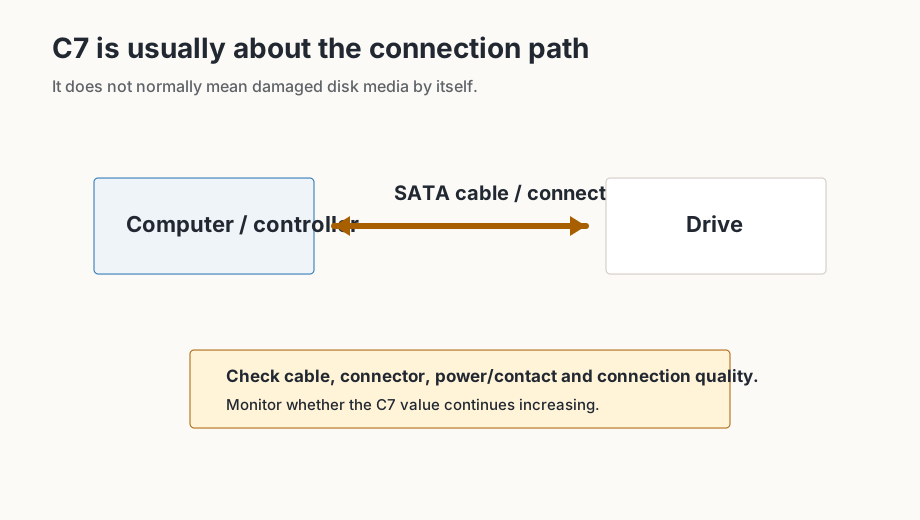
C7 Interface CRC Error Count commonly relates to communication errors between a SATA drive and the host system. It is different from sector reallocation or SSD endurance wear.
What I would check
- Note the current C7 value.
- Check or reseat the SATA data connection where appropriate.
- Inspect the cable and connectors for fit, bends or visible damage.
- Continue using the system normally for a reasonable period.
- Check C7 again.
- If the value remains unchanged, the recorded errors may be historical.
- If the value continues increasing, the communication problem may still be occurring.
C7 generally concerns communication errors. A non-zero cumulative counter does not automatically indicate damaged disk media, and it may not return to zero after the cause is fixed.
Common causes
- Damaged or marginal SATA cable.
- Loose connector at the drive or motherboard.
- Power instability or shared power-cable issues.
- Poor electrical contact or vibration affecting the connection.
Why the number may not return to zero
The C7 counter is commonly cumulative. After the underlying cable or connection issue is fixed, the existing count may remain. The practical question is whether it continues increasing.
For the table columns around C7, use the S.M.A.R.T. values guide.