CrystalDiskInfo can stay resident, refresh values automatically and show temperature or health alerts. These features help you observe changes over time.
Resident mode and temperature icon
Resident mode keeps monitoring available while you use the computer. The temperature icon can make overheating or sudden temperature changes easier to notice.
Auto refresh and graphs
Auto refresh updates reported values on a schedule. Graphs can help show whether a counter or temperature is stable, gradually changing or suddenly increasing.
Alerts and health thresholds
Alerts can notify you when temperature or health status crosses a configured boundary. Changing a displayed threshold does not repair a physical drive; it only changes when the software warns you.
Short trend example
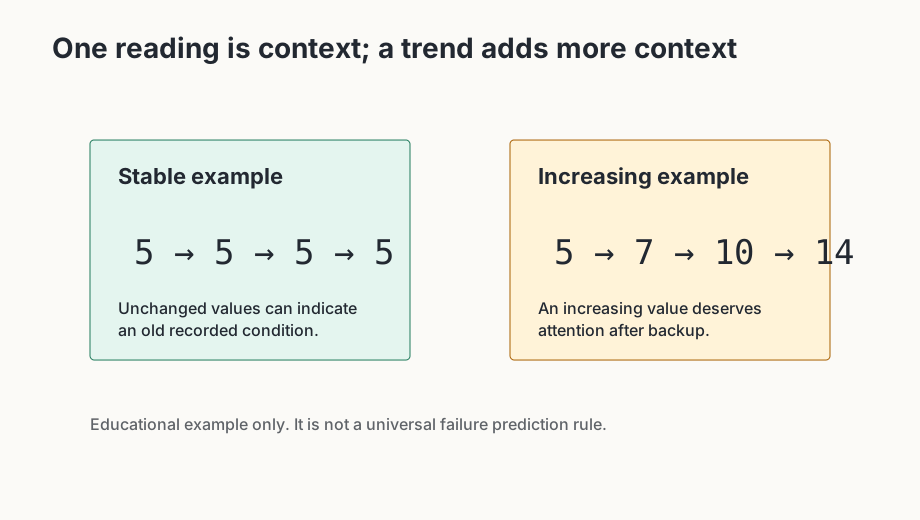
A sequence such as 5 → 5 → 5 → 5 may indicate an old unchanged counter. A sequence such as 5 → 7 → 10 → 14 shows continuing change and deserves closer attention after backup.
Unchanged does not guarantee the drive is healthy, and increasing does not automatically predict failure. Trend information is additional diagnostic context alongside backup status, drive type, temperature and the specific attribute.